Delete your account
Written By Kacper Staniul
Last updated 5 months ago
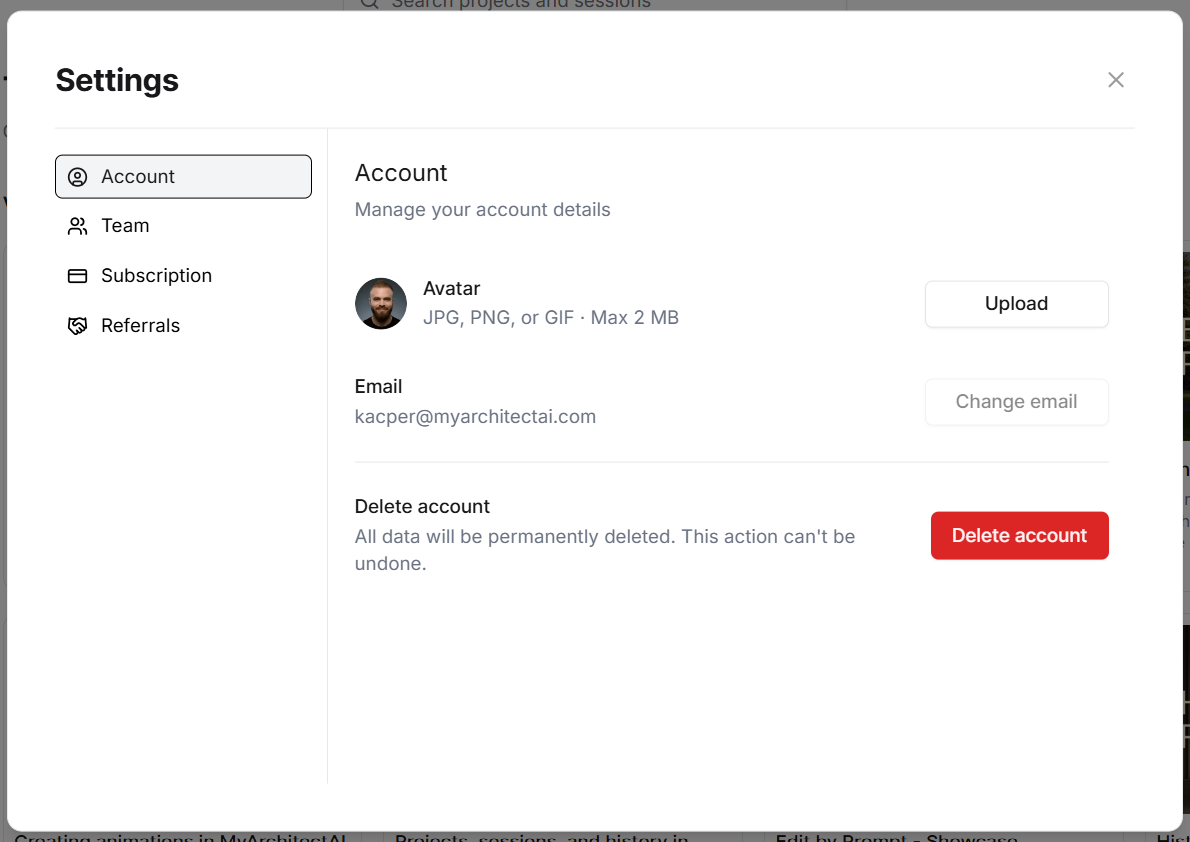
To delete your MyArchitectAI account, please go to the Settings page by clicking your profile link in the bottom left corner of the screen. From there, click the red ‘Delete account’ button.
Remember, that deleting your account will also remove all your generation history, and it can’t be undone.
Was this helpful?
Still need help? Ask the team